
Create a Harvest API token
When we migrate your data from Harvest to buezli.app, we read it through Harvest's official API. For that we need a personal access token and your Account ID.
1
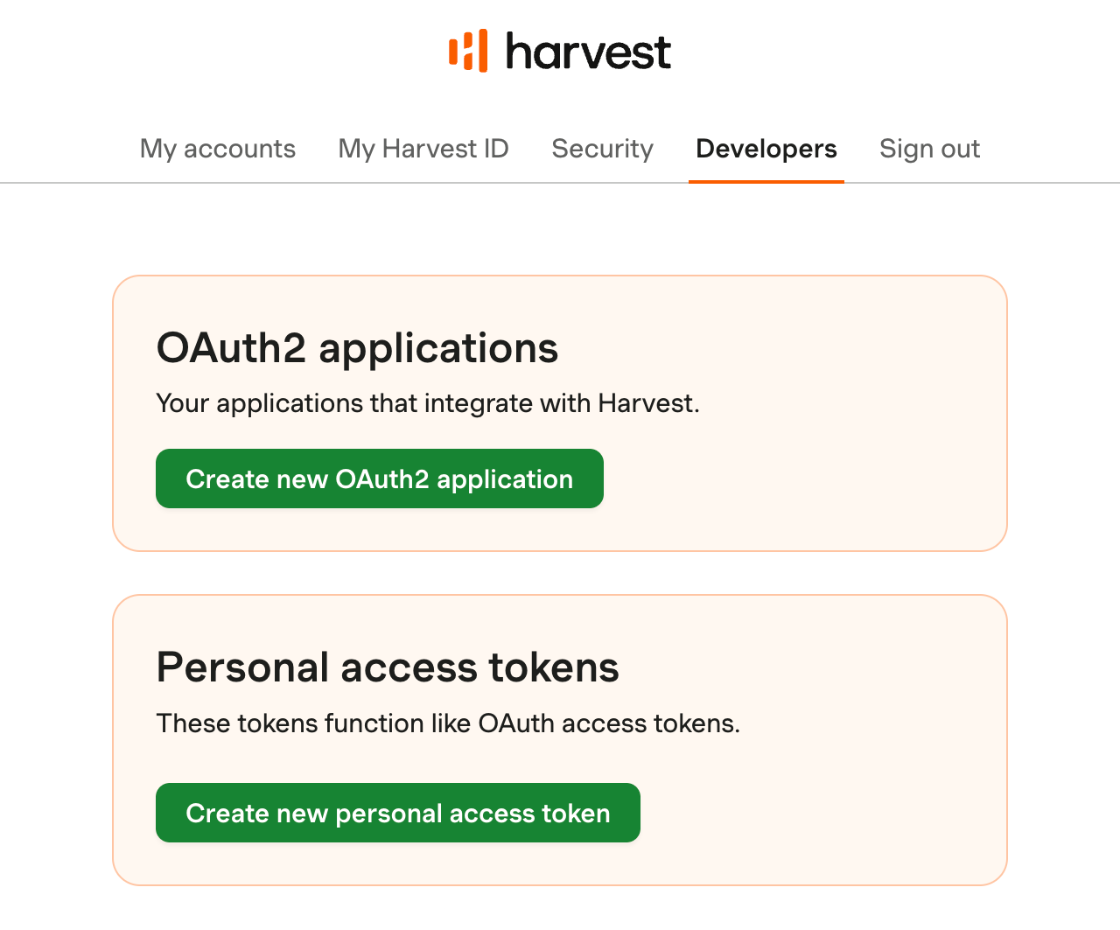
Open the developer settings
Sign in to Harvest with administrator rights. The token only sees what the person who creates it can see. Without administrator rights, invoices and estimates would be missing.
id.getharvest.com/developers- Under Personal access tokens, select Create new personal access token.
2
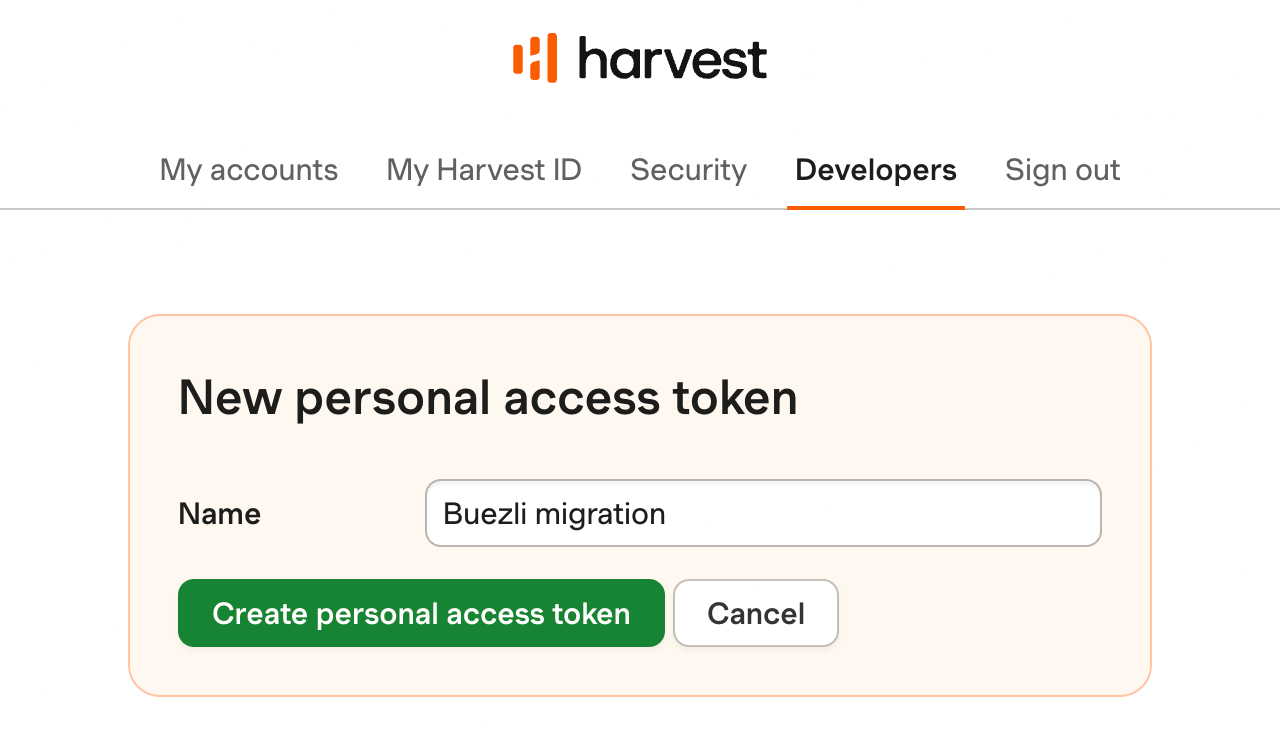
Name the token
The name only helps you recognize the token later.
- Enter a name such as Buezli migration.
- Select Create personal access token.
3
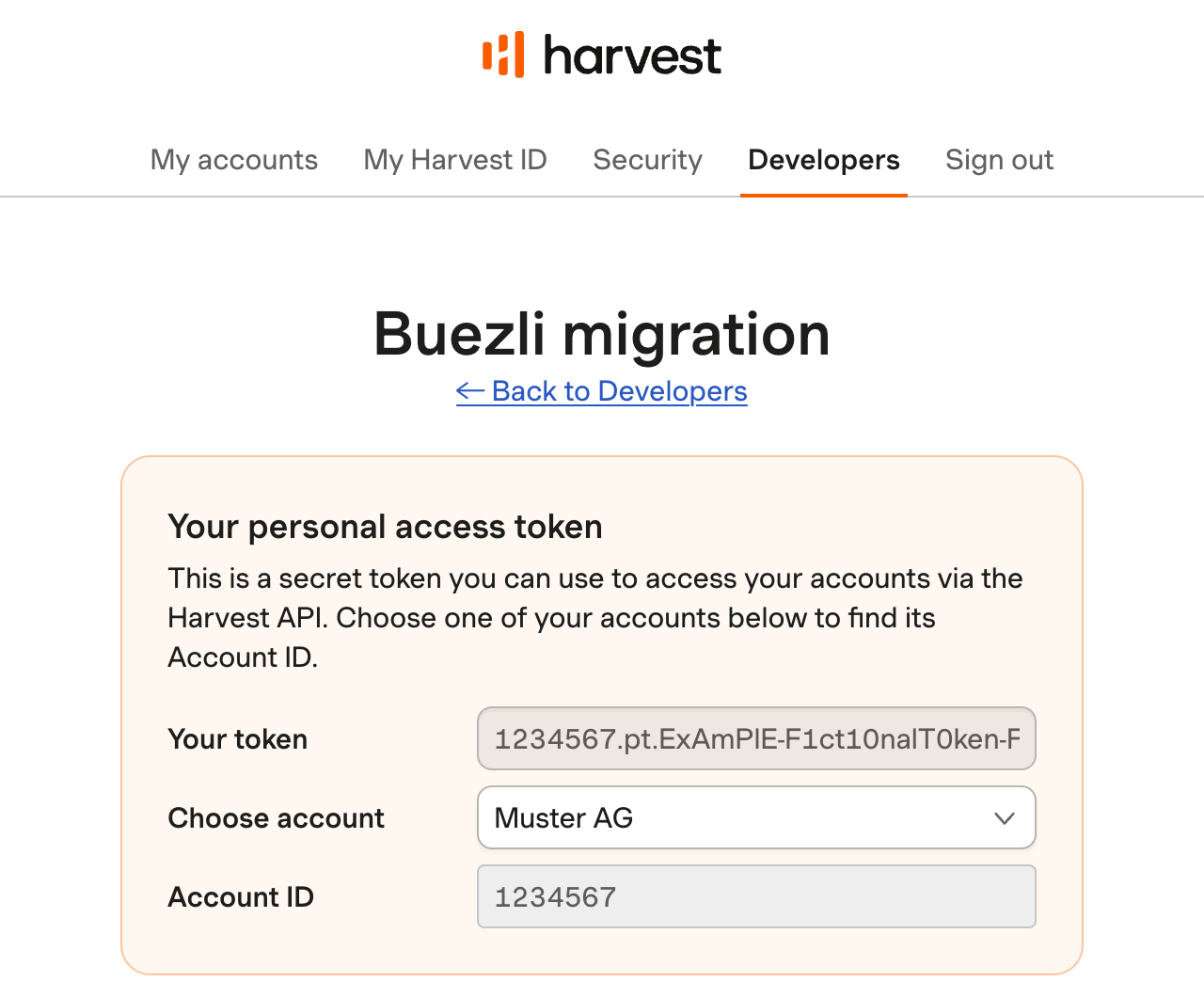
Note the token and Account ID
Harvest now shows your new token. The screenshot contains example values.
- Copy the value under Your token.
- Under Choose account, select the Harvest account you want to migrate.
- Copy the Account ID shown below it.
4
Send it and revoke it afterwards
We only need the token until your data has been exported.
- Send the token and Account ID to sali@buezli.app or reply to our email.
- Once we have confirmed the export, open the token under Developers and revoke it.